

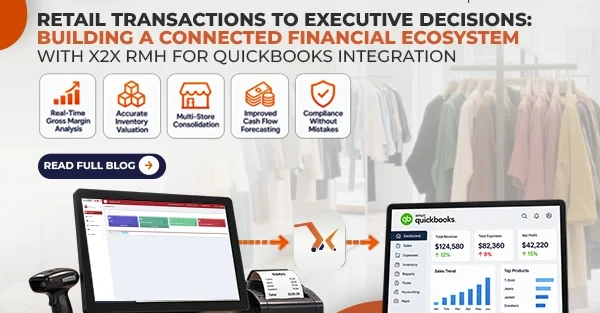
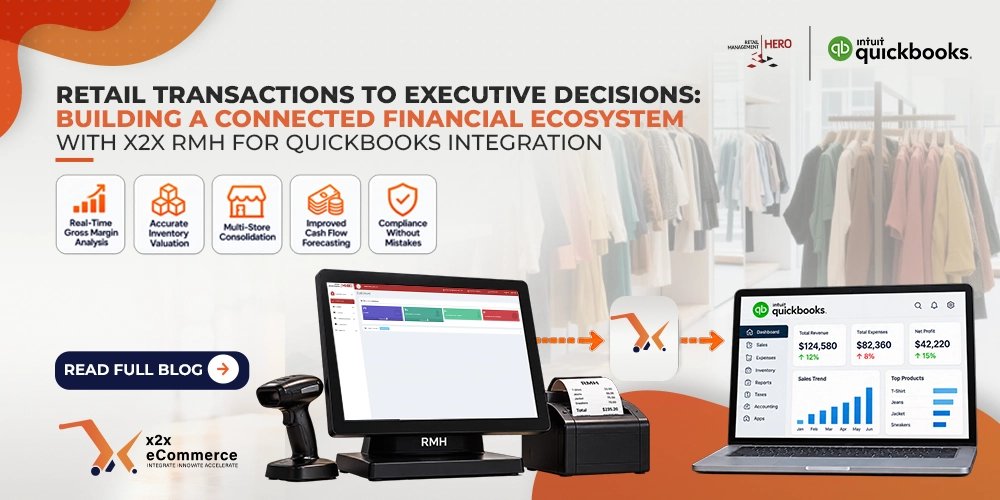
Retail financial reporting is only as good as the path a sale takes from the register to the ledger. For a growing chain on Retail Management Hero (RMH), collecting sales is easy. Turning them into numbers an executive can act on takes accurate financial records. When the POS and QuickBooks run as separate systems, that step depends on people copying data between them. The x2x RMH for QuickBooks integration automates the copying.
What happens to a sale between the register and the report?
Take one sale and follow it. This is the manual route many retailers still use:
- The sale is rung up in RMH.
- At the end of the day, someone exports a sales report or CSV file.
- A bookkeeper splits the totals by tender, tax and discount and keys them into QuickBooks.
- Finance reviews the entries at month end, finds the mismatches and corrects them.
- An executive finally sees a report, weeks after the sale.
With x2x, the route is shorter:
- The sale is rung up in RMH.
- x2x posts it to the matching accounts in QuickBooks, along with returns, discounts, layaways and inventory adjustments.
- The executive reads the report.
The difference is steps 2 to 4 of the manual route. They disappear, and so does the place where most errors and delays happened. This works with both QuickBooks Online and QuickBooks Desktop.
What do executives get from connected RMH and QuickBooks data?
CFOs and financial controllers
Daily sales reporting includes tenders, credit card batches and cash drawer settlements, so the cash flow forecast starts from current figures. SCORE’s guide to managing small business cash flow recommends building the forecast from existing accounting data, which only works when that data is up to date. At tax time, matching records also cut the clean-up work. The IRS publishes recordkeeping guidance for businesses.
Buyers and merchandisers
x2x keeps the inventory asset accounts in QuickBooks in step with RMH. Buyers can see best-sellers, spot weak items and decide what to reorder based on cost of goods sold. See our post on inventory and COGS accuracy.
Operations leaders with several stores
x2x consolidates financial data from all RMH registers and stores into one QuickBooks file. That gives operations leaders one view of the whole company without merging spreadsheets. The POS side of multi-store management is covered by RMH Central.
Owners and CEOs
Accurate sales and COGS mean gross margin can be checked as the business runs. Owners can test a price change, see which products carry the line and drop the ones that do not.
Questions executives ask before connecting RMH and QuickBooks
How is retail financial reporting different from POS reporting?
POS reports describe activity at the register: what sold, to whom and when. Financial reporting places that activity in the accounts, including revenue, cost of goods sold, tax and inventory value. Connecting the two means the financial reports are built from the same transactions the POS recorded.
Will the integration change how my accounting team works?
Yes, in one way. Manual re-entry stops. The team spends its time reviewing, checking and analyzing the numbers, and the activity log shows what was synced and what failed. The effect on the month-end close is usually the first thing teams notice.
Can I see all stores in one report?
Yes. x2x can consolidate data from all your RMH stores into one QuickBooks file, so every location is reported on the same basis.
Next step
If your executives still wait for the month-end package to see how stores performed, book a free x2x demo and walk through a day of your own RMH transactions. QuickBooks Online users can start at the RMH QuickBooks Online integration page, and anyone comparing options can read the complete guide.
This post is part of a series on retail data problems. See also the control problem, the visibility problem and the decision-making problem.