
Picture a Monday morning at a multi-store retailer. The store manager says last week’s promotion went well, because the registers were busy. The CFO opens QuickBooks and last week’s sales are not all there yet. Both people are right about their own system, and neither can answer the owner’s question: did we make money?
Retail financial visibility is the ability to see what happened on the sales floor and what it did to the books at the same time. Retailers that run Retail Management Hero (RMH) for sales and QuickBooks for accounting often lack it, because the two systems only meet when someone moves data by hand. The x2x RMH for QuickBooks integration closes that gap by posting RMH data to QuickBooks automatically.
Where do retail numbers get stuck?
RMH handles daily operations: sales, inventory and orders. QuickBooks handles the financial side. When nothing connects them, each team holds half the picture, and three problems follow:
- Inventory problems show up late. The POS says what should be on the shelf, but shrinkage, theft and receiving mistakes only appear when finance reconciles the stock.
- Margin problems stay invisible. A discount or price change made at the POS reaches the finance team at month end, so nobody knows real profitability while the promotion is running.
- Reconciliation eats time. Keying sales, card payments and taxes into QuickBooks by hand takes hours and adds mistakes.
Four signs your POS and accounting data are siloed
- Finance asks stores for reports before it can close the month.
- Promotions are judged by foot traffic because margin numbers arrive weeks later.
- The stock count in RMH and the inventory value in QuickBooks do not agree.
- Multi-store totals are built by merging spreadsheets.
If two or more of these sound familiar, the issue is the handoff between systems, not the people running them.
Why executives need both views at once
The operational view tells you what is happening in the store. The financial view tells you what it does to the bottom line. A retail leader who sees only the first can fill the shelves and still lose money. A leader who sees only the second knows the result after the chance to change it has passed.
With both views side by side, questions that used to take a week get a same-day answer. Are the new promotions profitable, or are we selling below cost? Which stores cost the most to run relative to their sales? Is there enough cash to buy next quarter’s inventory? The U.S. Small Business Administration’s finance guide covers the statements that answer the last one, and they are only as current as the data behind them.
How x2x RMH for QuickBooks integration gives you visibility
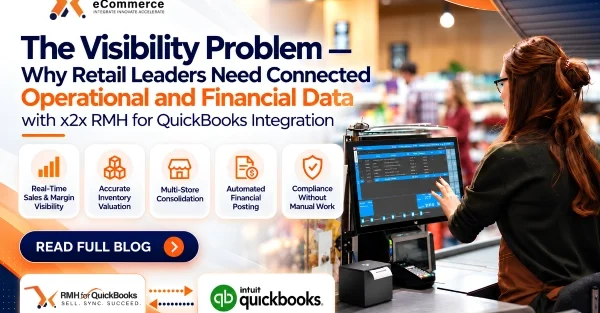
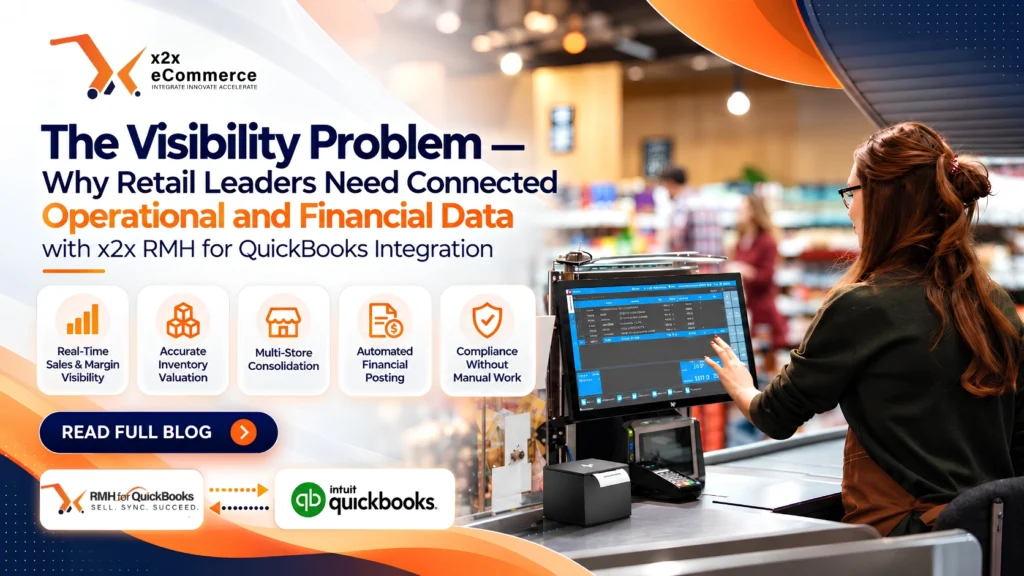
x2x sends RMH sales, returns, discounts and inventory changes into QuickBooks without anyone retyping them. It works with QuickBooks Online and QuickBooks Desktop. In practice, this changes four things:
- Gross margin becomes visible each day, because sales, returns and discounts reach QuickBooks as they happen in RMH.
- Inventory value and cost of goods sold are tracked automatically, so the retailer’s largest asset has a current number. More on that in our post on inventory and COGS accuracy.
- Data from many registers and stores goes into one QuickBooks file, giving executives a company-wide view. Multi-store retailers can also look at RMH Central on the POS side.
- Books stay consistent with daily operations because no one enters the data by hand. Clean, matching records are easier to defend in an audit, and the IRS publishes its recordkeeping guidance for businesses.
What to check before choosing a POS and QuickBooks integration
Not every integration gives the same visibility. Before you commit to one, ask:
- Does it support your QuickBooks edition, Online or Desktop?
- Does it post returns, layaways and adjustments, or only completed sales?
- Can it combine several stores into one QuickBooks file?
- Is there a log that shows every sync and every failure? The x2x activity log does this.
Frequently asked questions about retail financial visibility
What is retail financial visibility?
It is the ability to see sales, inventory and costs from the store floor and the matching figures in your accounting software at the same time, so decisions use current numbers.
Why can’t store managers and finance teams see the same numbers?
The POS and the accounting software store data separately. Unless an integration links them, finance only sees sales after someone exports and enters them.
Can several stores report into one QuickBooks file?
Yes. x2x can consolidate data from many RMH registers and stores into a single QuickBooks file, so leadership sees the whole company in one place.
Does connecting RMH and QuickBooks help with audits?
It helps because transactions are posted from RMH instead of retyped, so the books match daily operations and each sync is logged. Your accountant should still confirm your specific filing and audit requirements.
To see what your own RMH and QuickBooks data looks like when it is connected, book a free x2x demo. If you use the online edition, start with the RMH QuickBooks Online integration page, or read the complete guide.
Also in this series: the control problem, the efficiency problem, the decision-making problem and retail transactions to executive decisions.
Updated November 2026