
When managing retail chains, inventory management can be quite risky. Not only should you know how much was sold, but you need to know where it was sold.
If your RMH stores do not match your Business Central locations perfectly, you will end up with phantom inventories. Your system may tell you that you are running low on inventory, but in fact, Store A may have zero stock, whereas Store B is already flooded with goods. Such mismatches will result in poor customer satisfaction, costly store-to-store shipping, and unnecessary financial headaches.
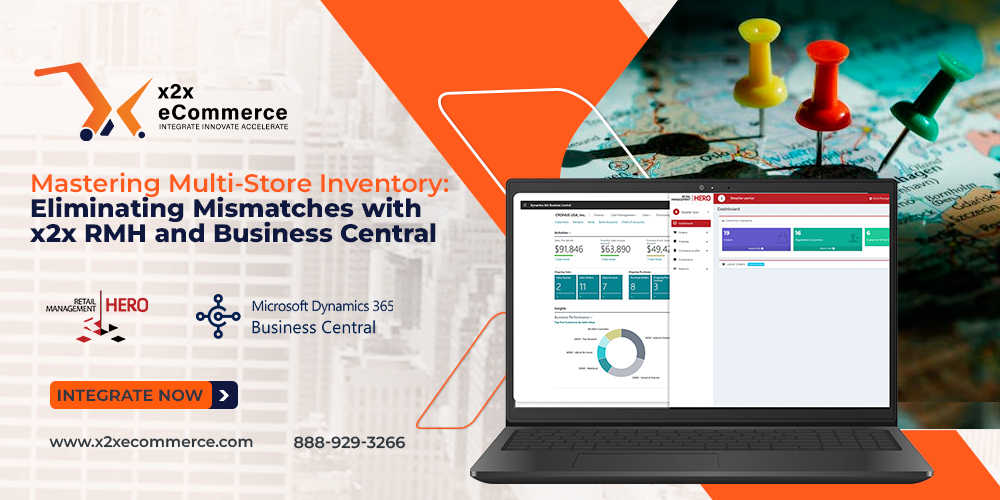
The solution to such a problem is to utilize the x2x RMH and Business Central Cloud Integration feature that allows you to accurately link your RMH stores to your BC Location Cards.
The Role of Location Mapping
When there is only one store, the inventory is just a figure. When there are multiple stores, context is everything. Inventory in Business Central does not simply refer to the total inventory but to “Locations.” Store 01 should not be considered the same way that the Warehouse or Store 02 is.
If integration is not seamless, there is a tendency for data entry to be vague. The user may enter a bulk figure into an account in Business Central instead of specifying which specific shop is carrying the inventory. There will now be confusion on how many items the ERP believes to have compared to what RMH believes to have.
How does x2x Integration Fix This Problem?
The x2x integration fixes this problem by creating a very strict, two-way connection where Every RMH Store ID maps to a unique Business Central Location Code.
Here’s how this pairing prevents stock mismatches within your entire chain:
1. Exact Sales Syncing
Instead of simply sending sales data to the cloud, the x2x integration will sync a sale that has been made specifically at Location A in RMH. The system immediately understands that the inventory needs to be reduced in Location A, and not the inventory at large. That’s why your ERP can always have precise inventory numbers for all locations.
2. Correct Restocking of Stores
If you have mapped out your business systems correctly, the restocking of your stores will be automatic and accurate. For example, Business Central can create purchase orders using the reorder points in specific locations. Since the data being fed into the system is correct, then Business Central will know when Store B needs replenishing and not Store C since the former is running low on inventory while the latter has more than enough stock to serve their clients.
3. Automatic Transfer of Merchandise Between Stores
Transferring products between stores is another activity commonly carried out within multi-store retailing operations. However, this causes mismatches because manual tracking is needed when transferring goods from one location to another. The x2x integration tool automatically tracks this. As soon as a transfer order is made to ship merchandise from Location A to Location B in Business Central, integration update the inventory in RMH stores as well. Location A stock is reduced, while Location B stock is increased.
4. Eliminate RMH Central
Most retailers have a centralized warehouse that supplies all the retail stores. The integration allows to eliminate the central and directly connect stores to Business Central locations for accurate inventory management.
Conclusion
You cannot control something you cannot track. If the data for multiple stores in inventory management is consolidated or delayed, there will be discrepancies. With the x2x RMH and Business Central Cloud Integration solution, you achieve total visibility through strict Store-to-Location mapping.
There will be no more assumptions about the location of inventory items; rather, you will know for sure. There will be no friction between the shop floor and back-office operations. From the point of view of either the POS system or the cloud-based ERP software, the story remains the same.