
Today’s technology quickly bridges the divide between the traditional brick-and-mortar store and the modern back office of the enterprise. Today, it is impossible for businesses to maintain their Point-of-Sale systems in silos without integrating them to the company’s financial operations. It is in such instances that the strength of integration comes to play, especially with the need to integrate a reliable POS system such as Retail Management Hero (RMH) with an ERP giant like Microsoft Dynamics 365 Business Central (BC).
Retailers implementing RMH have realized that migrating their data to Business Central is not an IT venture but a transformational process of turning data into insights. But how exactly does one go about migrating data from RMH to Business Central?
Introduction: Handshake
RMH essentially acts as the landlord of the store front. It executes all the critical yet complicated transactions involving billing, handling return transactions, and handling payments for purchases. RMH is not design to tackle enterprise level accounting problems, logistics and distribution, or forecasting challenges.
This is where Microsoft Dynamics 365 Business Central comes into the picture. BC is essentially the nervous system of RMH. To have these two technologies communicate with each other, an integration middleware becomes essential. The integration middleware is essentially the language interpreter which converts the RMH data language into BC’s cloud-based language format.
Journey of a Transaction
For tracing the data, it is crucial to trace the life cycle of one item that sells through your store.
1. The Event: The POS Transaction
It begins when a cashier scans the barcode and processes the transaction and the buyer leaves your premises. It is now that RMH captures the transaction details such as the product(s) sold, their prices, taxes collected, mode of payments, and customer details.
2. The Batch or Real-Time Pushing
In your integration setup, the transaction puts into a queue or push instantly, respectively. As mentioned above, in many cases, a service runs in the background to monitor newly generated transactions in RMH. When it detects any new transaction, it bundles up its data safely.
3. The Transmission
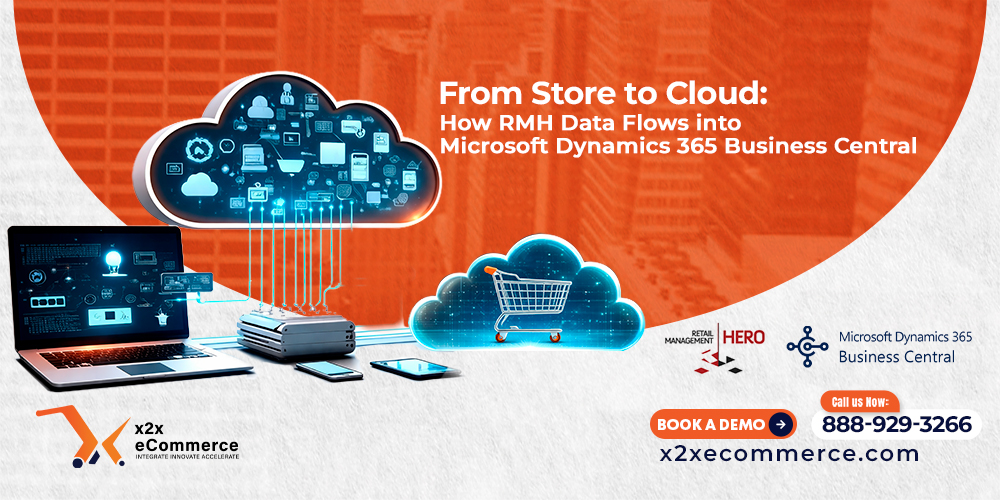
The packaged data is then transferred over an encrypted internet connection (either through APIs or web services) to the cloud. It is at this point that the “magic” of the “Store to Cloud” transformation occurs. The data is no longer constrained to the local server in the store but has been released into the wilds of the Microsoft Azure cloud where Business Central resides.
4. The Synchronization
Once this data reaches Business Central, the integration maps the RMH fields to their counterparts in BC. The sales receipt created in RMH is posted to BC automatically as either a sales invoice or journal entry. In addition, the inventory is updated accordingly. When you sell five pairs of sneakers, BC immediately recognizes that there have been five less sneakers in inventory.
Benefits Flowing in Two Directions
Not only does information travel upwards, but essential data also travels downwards to the store.
Management of Item Information: When a new item is created in Business Central along with the relevant cost, price, and descriptions, this information travels downwards to RMH, ensuring uniformity in terms of items and pricing at every store.
Synchronization of Customer Data: In case a customer edits his/her contact information in BC, this edited data can travel downwards to the RMH POS system for easy verification by the cashier.
Why is this flow necessary?
The smooth data flow resolves essential retail problems.
First, it helps you avoid manually entered information. Instead of downloading the CSV file from RMH and inputting it into your accounting system manually, automation saves your bookkeeper time and prevents human error while allowing him or her to make analysis.
Second, you gain an opportunity for instant decision-making. The data is transferred to the cloud; thus, the business owner can access Business Central from everywhere, from his or her home, the beach, or even a corporation’s office to know how the stores perform instantly.
Third, you have a unified platform where the information on your stock, sales, and finances lives and is synchronized with everything else, providing truthful business analytics.
Conclusion
Data transfer from RMH to Microsoft Dynamics 365 Business Central is not only a technical procedure but also a transformation into a new type of business entity. Retailers thus connect their stores to the cloud environment with the advantage of having both an efficient POS solution and comprehensive financial management tools in place. Given today’s competition, it is not an optional approach.