
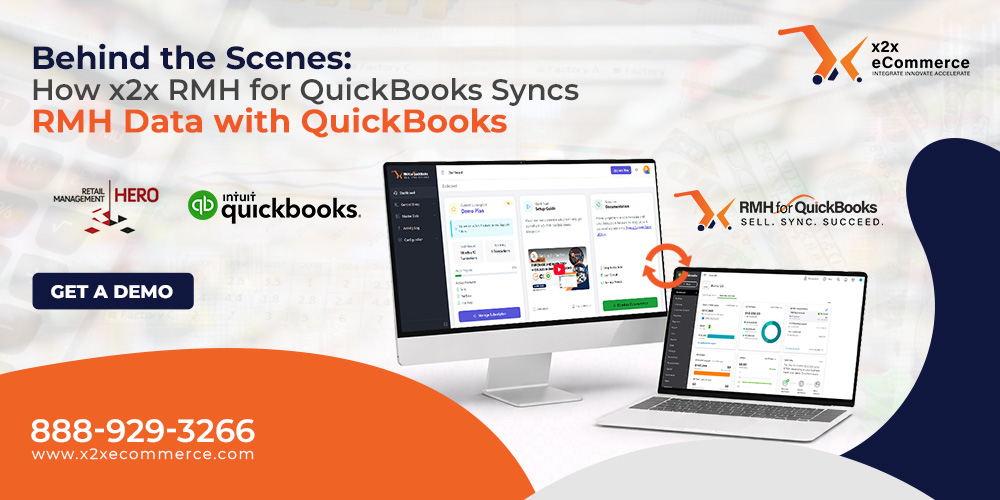
For any retail business utilizing both the Retail Management Hero (RMH) front end and QuickBooks back end, the process of closing time has traditionally been a dreaded manual process. There is no need to manually re-enter sales totals, tax summary data, or payment tender types into your accounting software, only to risk costly human error. This is where x2x RMH for QuickBooks comes to the rescue.
But have you ever wondered how this magic really works? How does a Point-of-Sale system, like RMH, communicate with an accounting system like QuickBooks, which essentially has its own unique language?
Well, today, we are going to lift the veil and show you the inner workings of this magic. This is the step-by-step journey of how x2x RMH for QuickBooks works.
For all retail business organizations that use the front end of the Retail Management Hero (RMH) and the back end of QuickBooks, closing of time has always been a dreaded exercise. There is no longer any necessity to manually input sales totals, tax summary data, and tender types into your accounting software and then worry about costly human error in the process.
This is where x2x RMH for QuickBooks saves the day.
But have you ever wondered how all this magic happens? How is it that a Point-of-Sale system and an accounting system like QuickBooks, which has its own unique language, can communicate with one another? Well, today we are going to lift the veil and let you in on how all this magic really happens. This is how x2x RMH for QuickBooks really works.
1. The Extraction: Pulling the Data
Once you start a sync (which you can also schedule to happen automatically on a schedule you specify), x2x gets to work. It searches your RMH database to find any transactions that have occurred since the last successful sync.
What it pulls is important information that is needed to complete any accounting functions, such as:
Sales Headers – Total sales, date, and time of transactions.
Tender Types – How did the customer pay?
Tax Details – What percentage of sales is taxable and what is not?
Department/Category – What did we sell?
Cost of Goods Sold (COGS) – What is the value of the merchandise sold?
2. The Transformation: The “Mapping” Logic
This is the most critical “behind the scenes” part of the integration. RMH and QuickBooks have different data structures.
RMH may use “Visa” as a payment method.
QuickBooks may require it to be deposited to an account named “Merchant Services – Visa.”
The x2x integration has a very advanced “Mapping” logic. In the setup phase of the integration.
During the actual sync, x2x would immediately use this logic to transform RMH Sales to QuickBooks Accounts, RMH Tenders to QuickBooks Payment Methods, and RMH Tax Codes to QuickBooks Tax Items. x2x checks to make sure that debit equals credit before it ever even tries to write to your accounting file.
3. The Validation: The Safety Net
Before permanently writing the data into QuickBooks company file, x2x runs a validation check. This ensures that the data does not contain any problems that would cause QuickBooks to reject the data, such as:
Missing customer accounts (if syncing by customer).
Duplicate invoice numbers.
Inactive inventory items.
If any problems are found, x2x will log the problem and allow you to fix the problem in RMH and then re-sync, keeping your QuickBooks data pristine.
4. The Transmission: Posting to QuickBooks
Once x2x has done all that data extraction, mapping, and validation, it then pushes that data into QuickBooks. x2x checks to ensure that QuickBooks accepts that data. Once QuickBooks responds with a “Success” status, x2x then marks those transactions in its own history log as “Posted” to prevent double counting.
5. The Result: Reconciliation Made Easy
When the sync process is done, you open QuickBooks. What used to take hours of tedious work is now done in seconds, like:
Bank Deposits match your POS totals.
Sales Tax Payable is accurate.
Revenue is categorized correctly.
Why It Matters
The “magic” of x2x RMH for QuickBooks isn’t just code; it’s the peace of mind it offers. The “fatigue factor” of data entry is eliminated, and real-time financial information is obtained without the hassle.